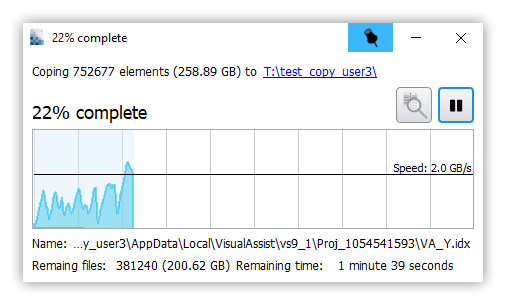
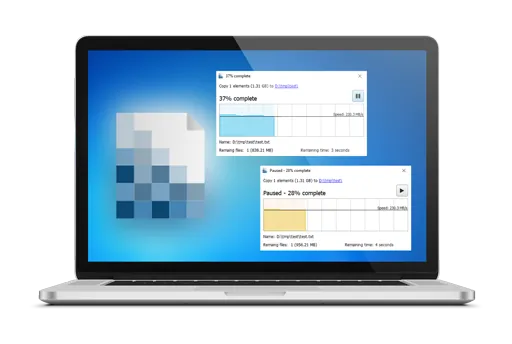
2 versions of UltraFastCopy
There’s a free version and a professional version.
The free version lets you copy a large number of files much faster, while the professional version extends to a safer and faster deletion feature.
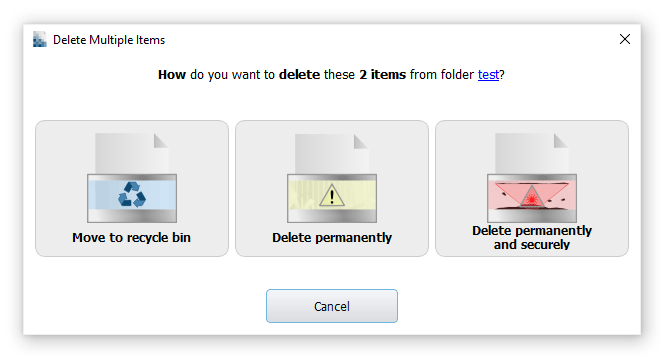
Multiples choice to delete files
– Move to Recycle Bin
– Delete Files
– Delete securely and permanently files
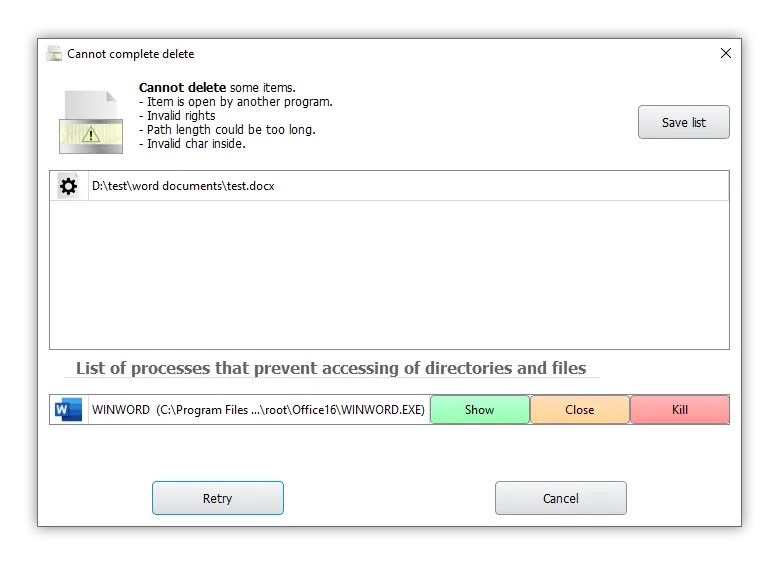
Error handling and explanation
– Delete errors
– Move errors
– Copy errors
– Recycle errors
Theme
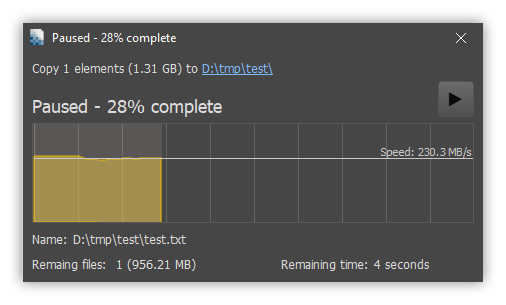
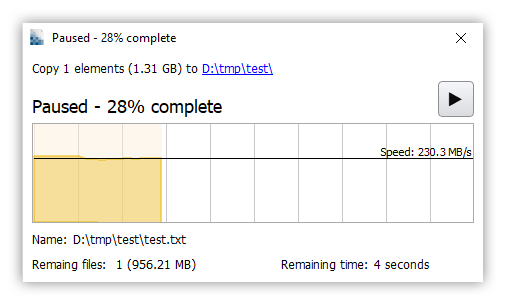
DARKLIGHT

Symbolic links
Ask what to do on copy or move:
– Duplicate content of symbolic link
– Target source
– Target new location.
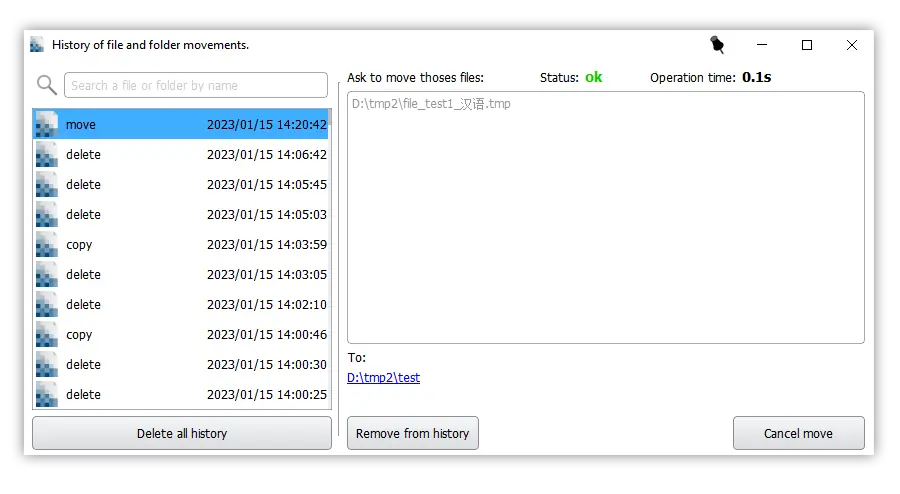
History of file and folder movements
– You can view moved files and folders.
– You can undo moves
– You can search for delete/move/copy files and folders by name.
– You can view the time to delete/move/copy
– You can view the status: error, canceled, ok.
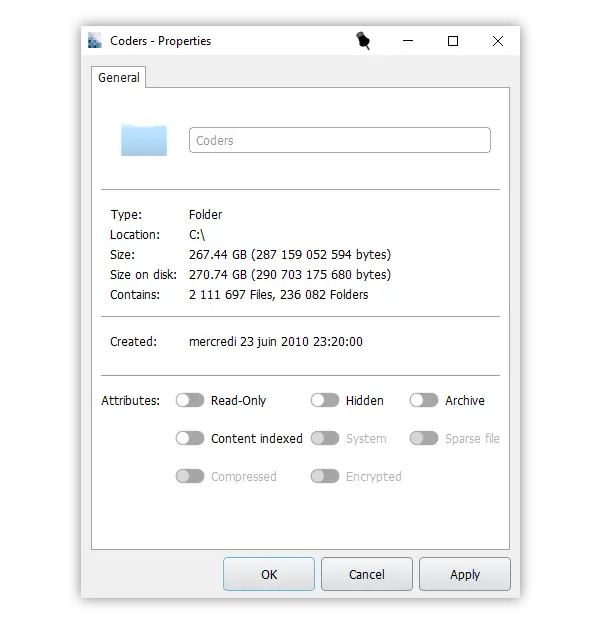
New Fast Properties
– Compute very quickly the space used by the files.
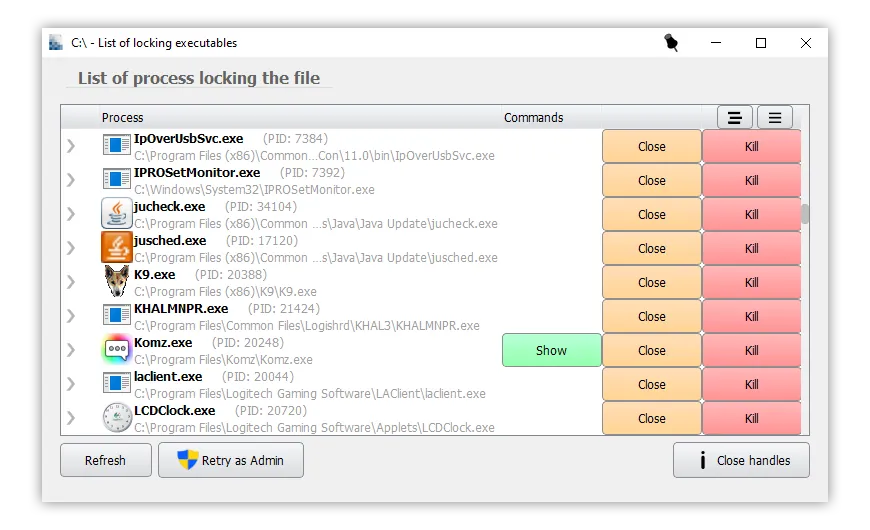
List of locking executables
– Dialog to display all executables locking a directory or a file.
Supported Languages